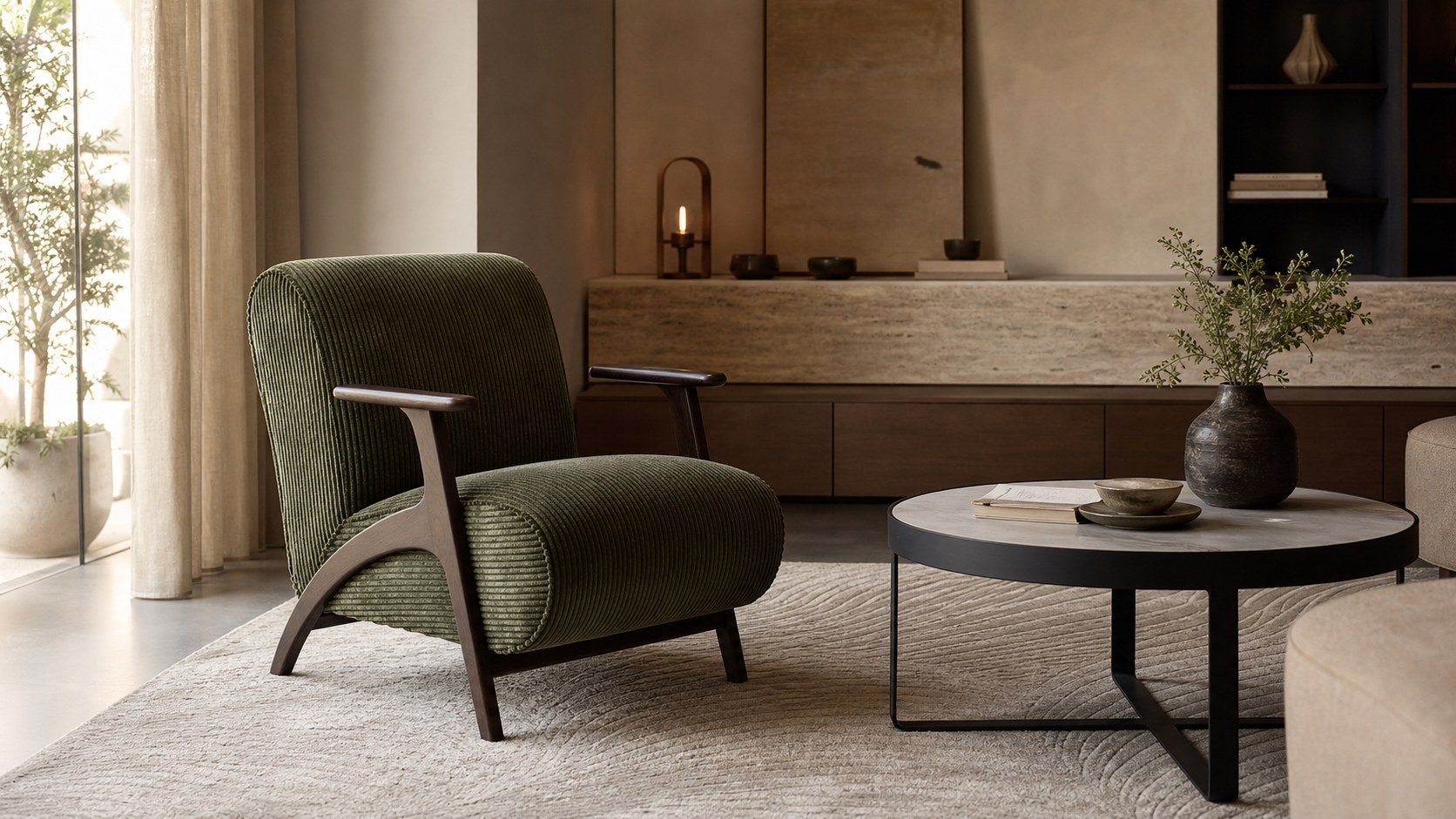
Design-led manufacturing
Bespoke furniture developed with attention to proportion, material, finish, and use.

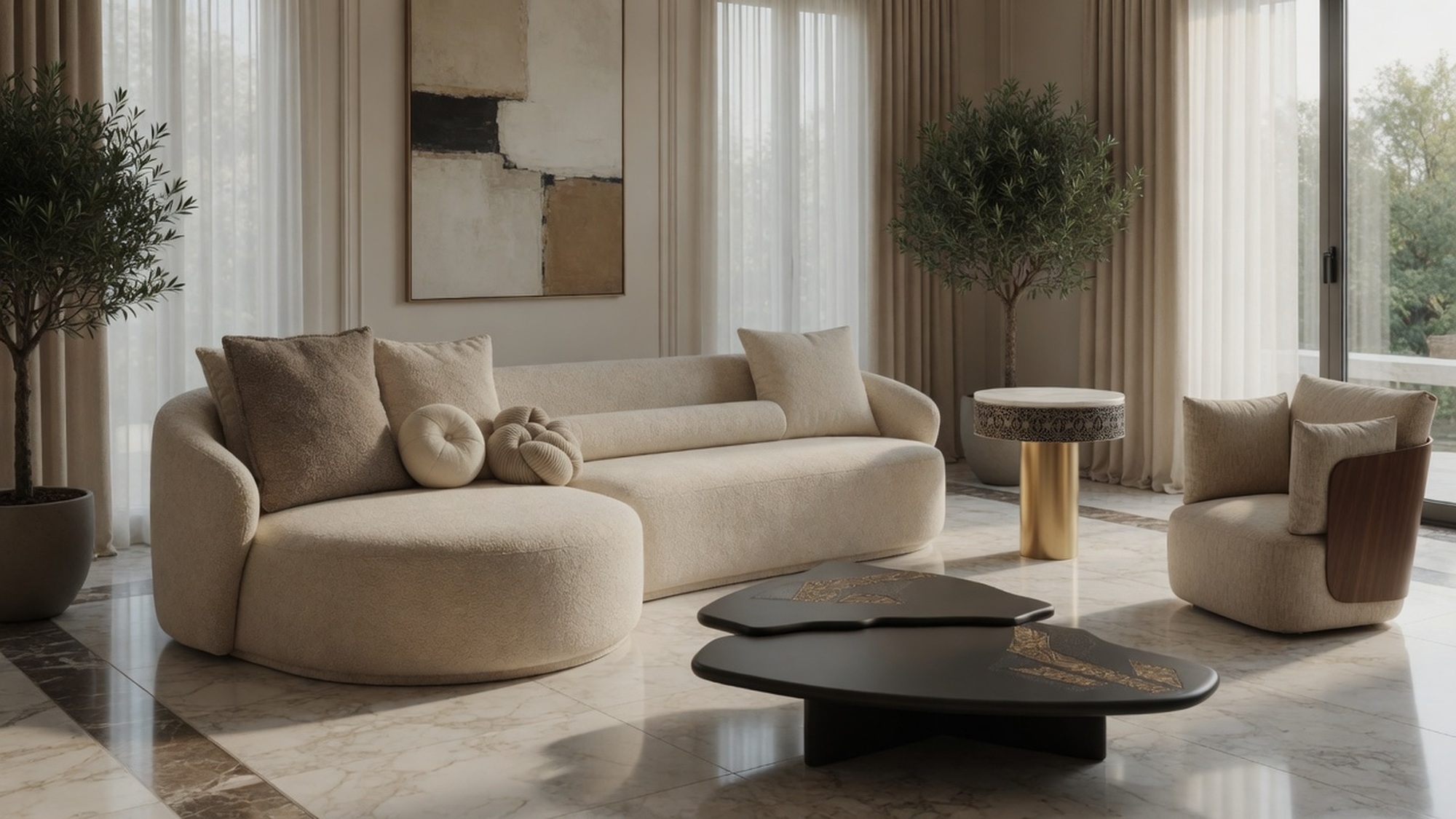
Essentials Design
A furniture design and manufacturing company creating bespoke, project-ready furniture for residences, hospitality spaces, retailers, designers, and commercial buyers.
Design, craft, execution
Design development, material understanding, manufacturing systems, and hands-on execution to create furniture that feels refined, useful, and built for real spaces.
Bespoke furniture developed with attention to proportion, material, finish, and use.
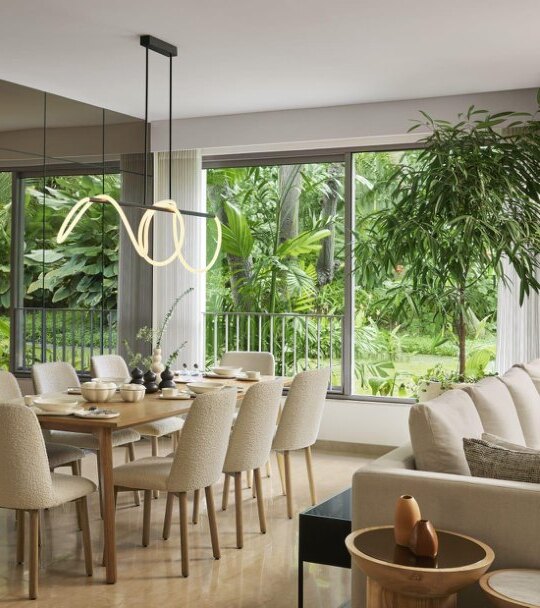
Production planning, quality control, and coordination for residential, hospitality, and commercial work.
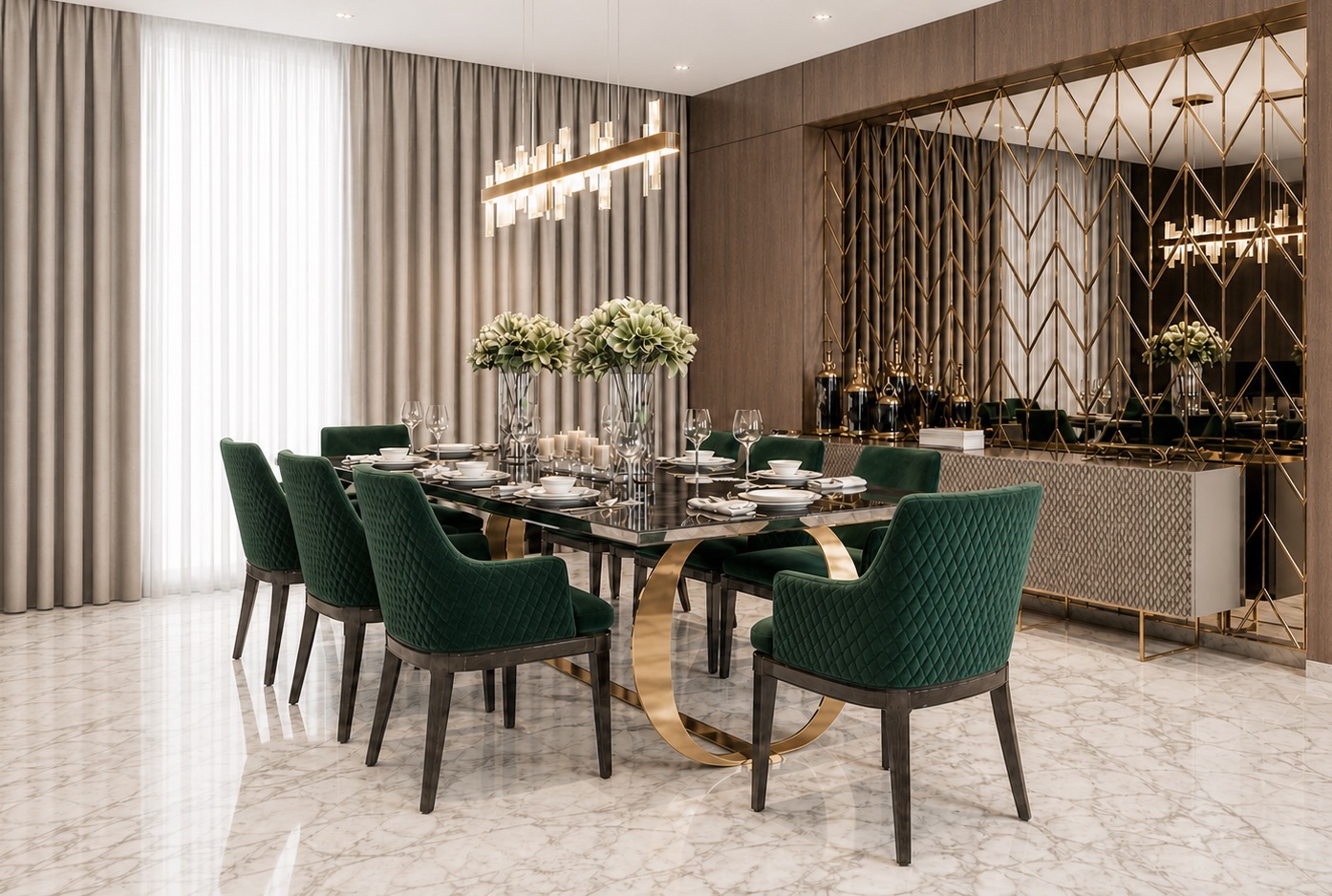
The retail-facing design expression for private clients, designers, and curated home furniture sourcing.
Products
Browse the current Essentials Design product library by room, category, style, and collection. Shortlist products and create catalogue-ready references for client and trade discussions.
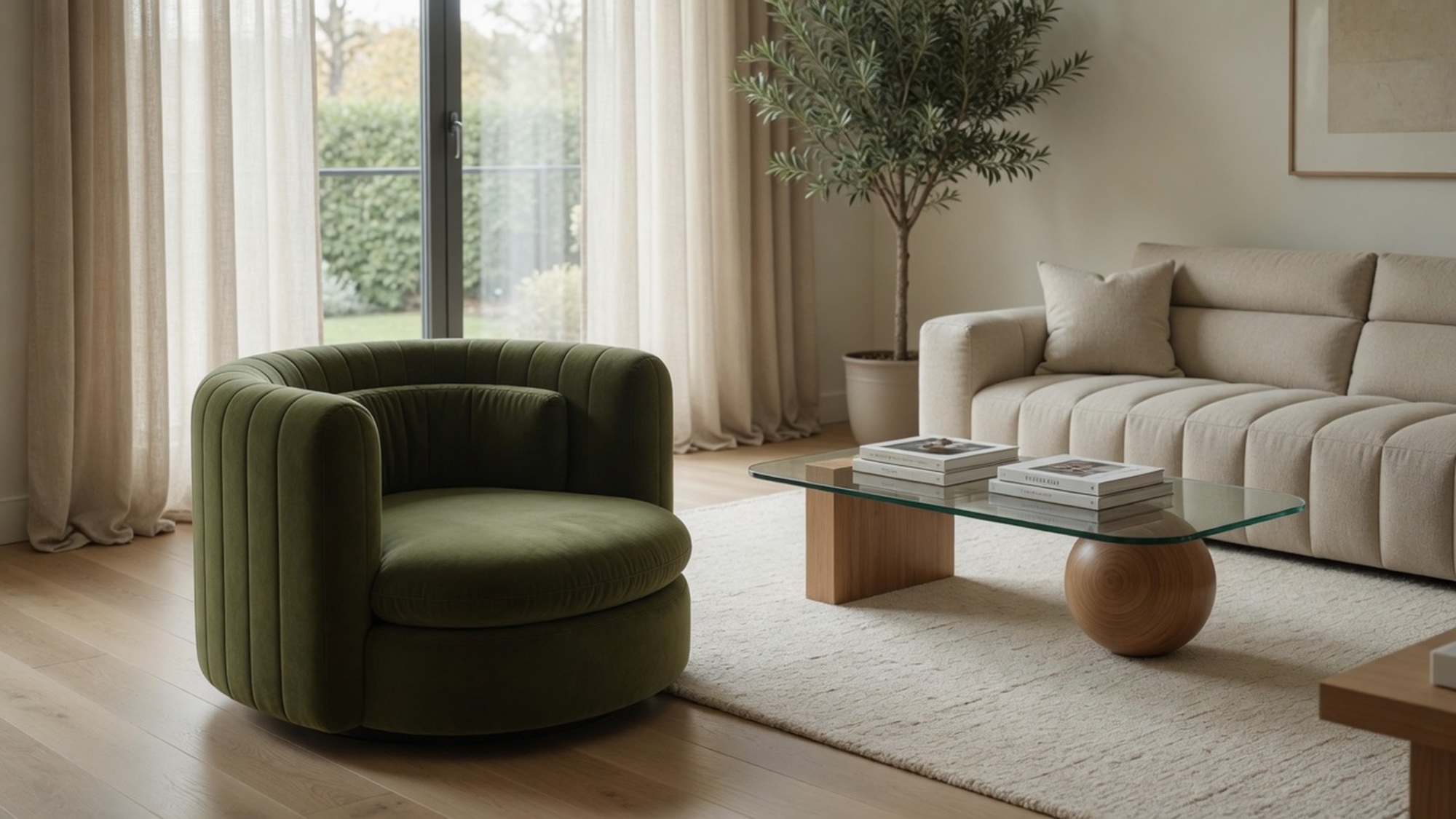
Who we work with
Custom pieces, room-wise selections, finish-led detailing, and project furniture made to support an interior concept.
Start a design enquiryRepeatable furniture supply, retailer requirements, hospitality quantities, and commercial purchase conversations.
View capabilitiesA softer showroom-led route for private clients, homeowners, and designers sourcing furniture for personal spaces.
Explore Zayin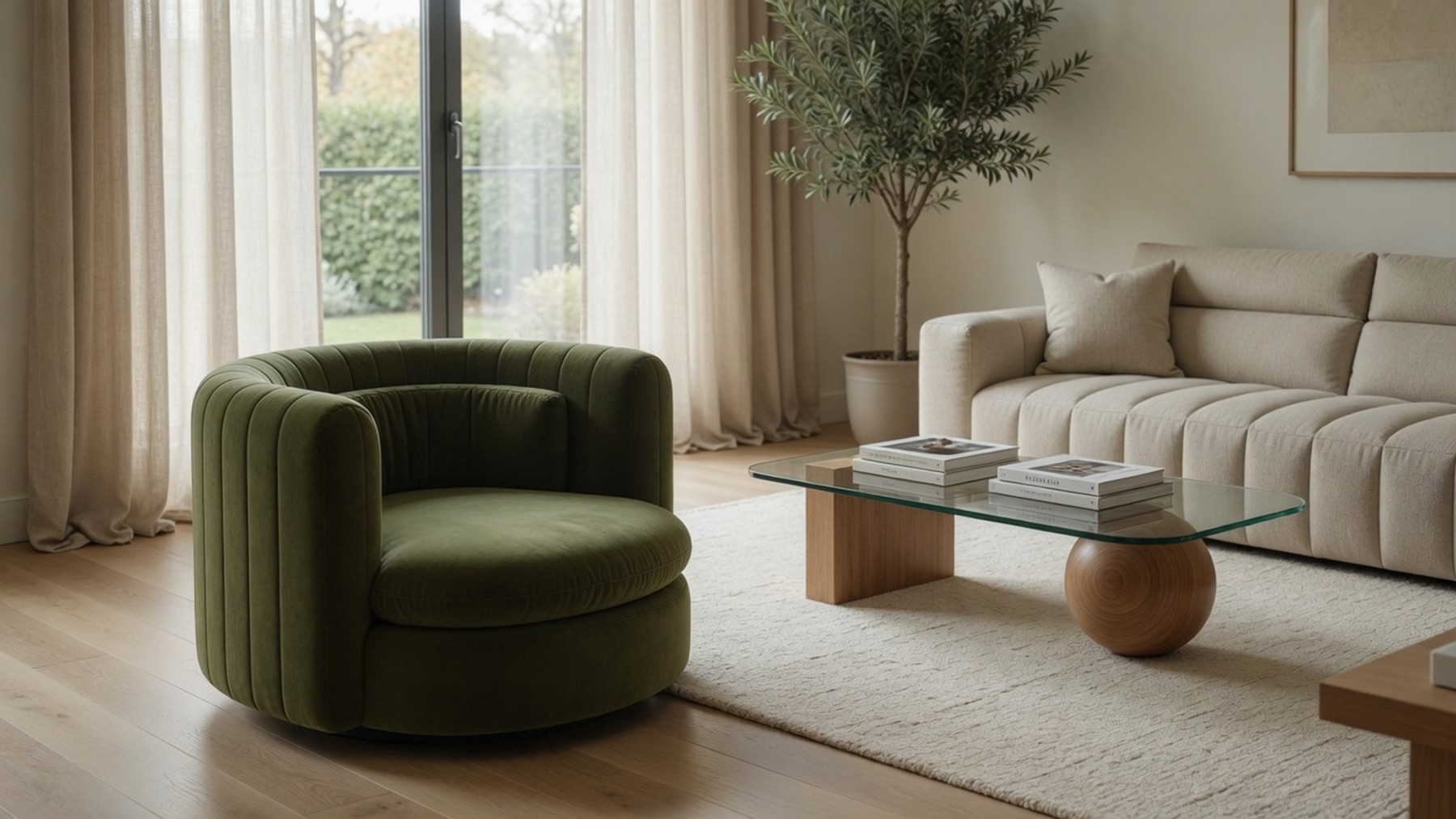 Living
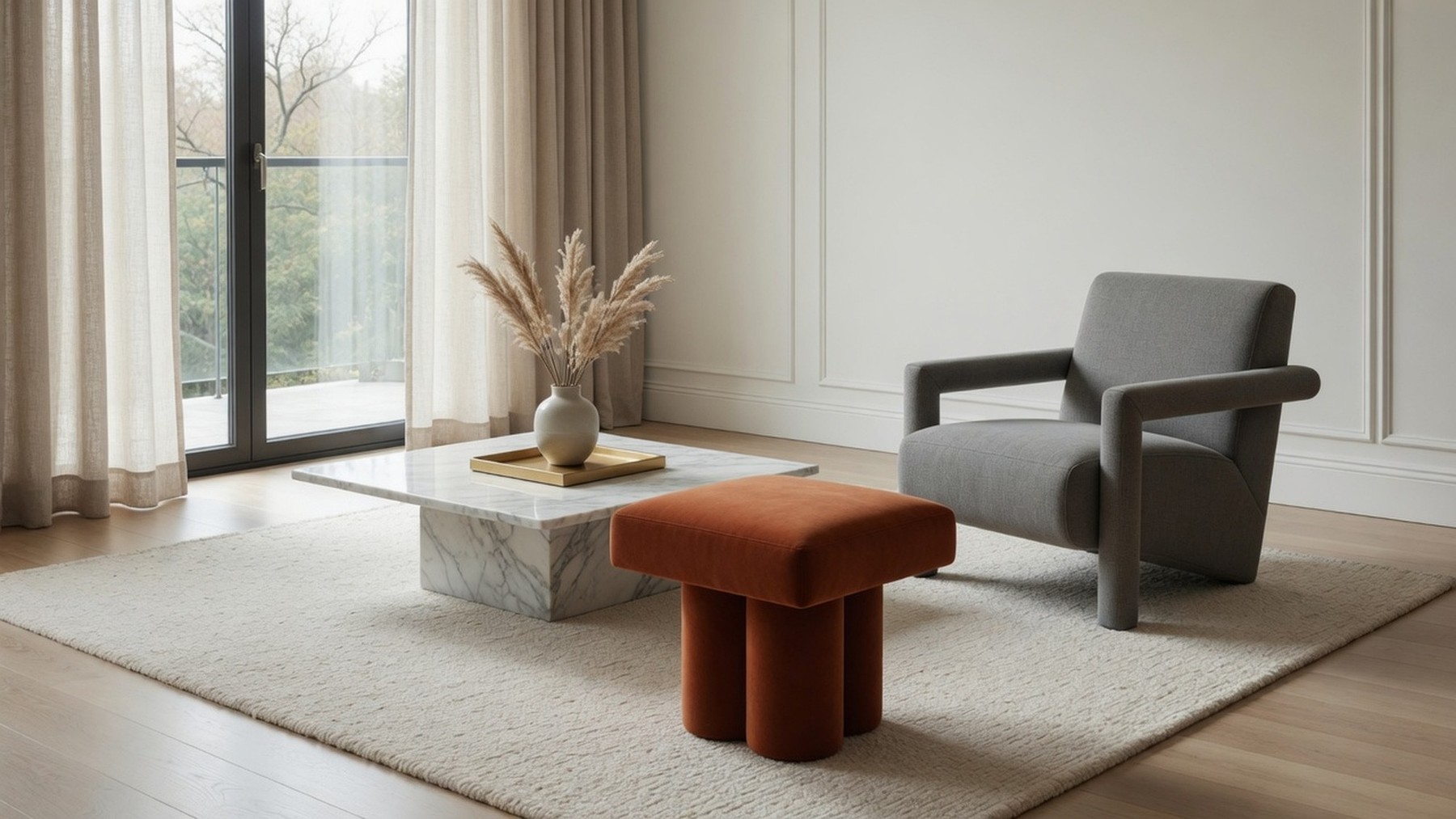 Lounge
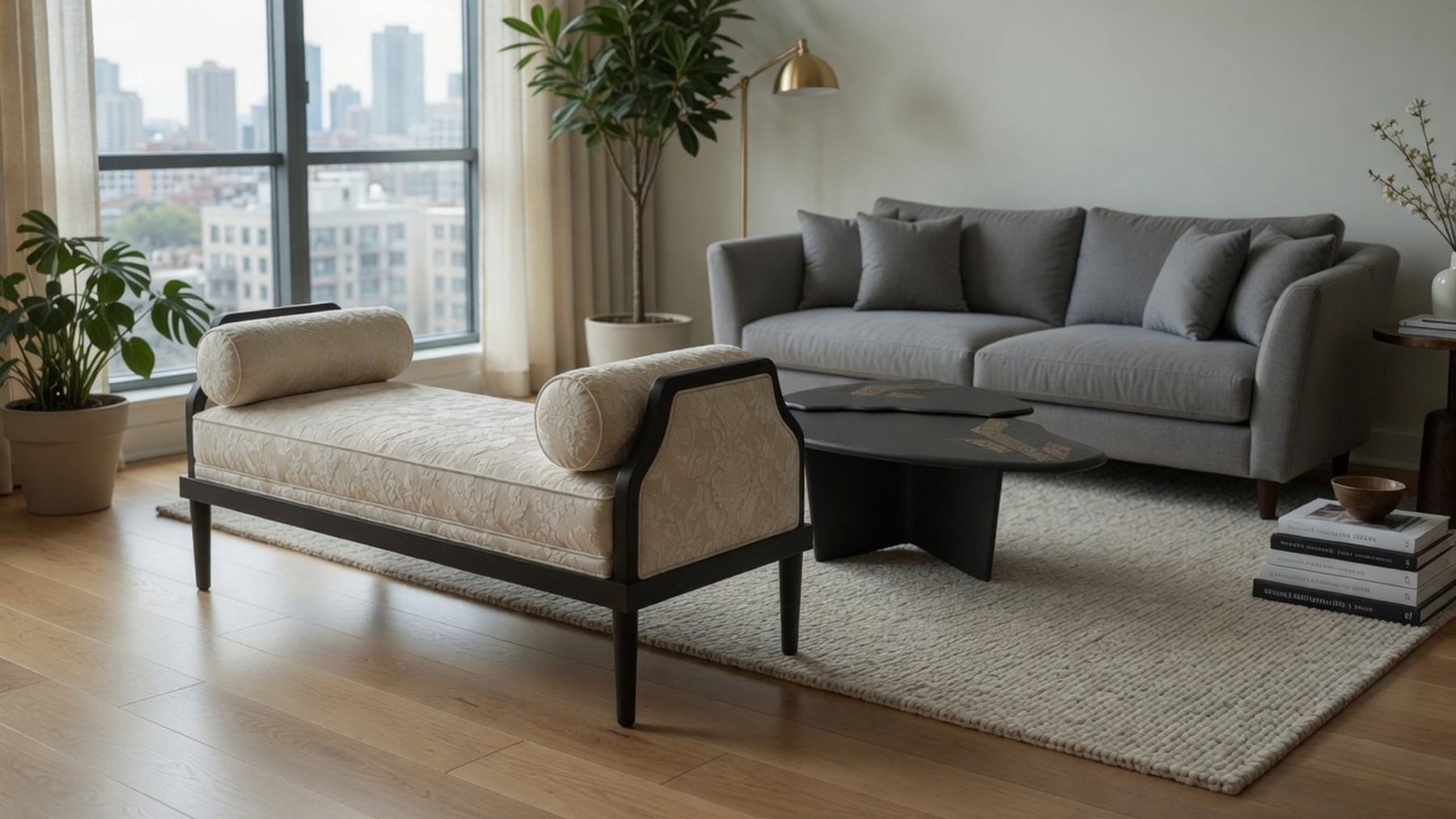 Seating
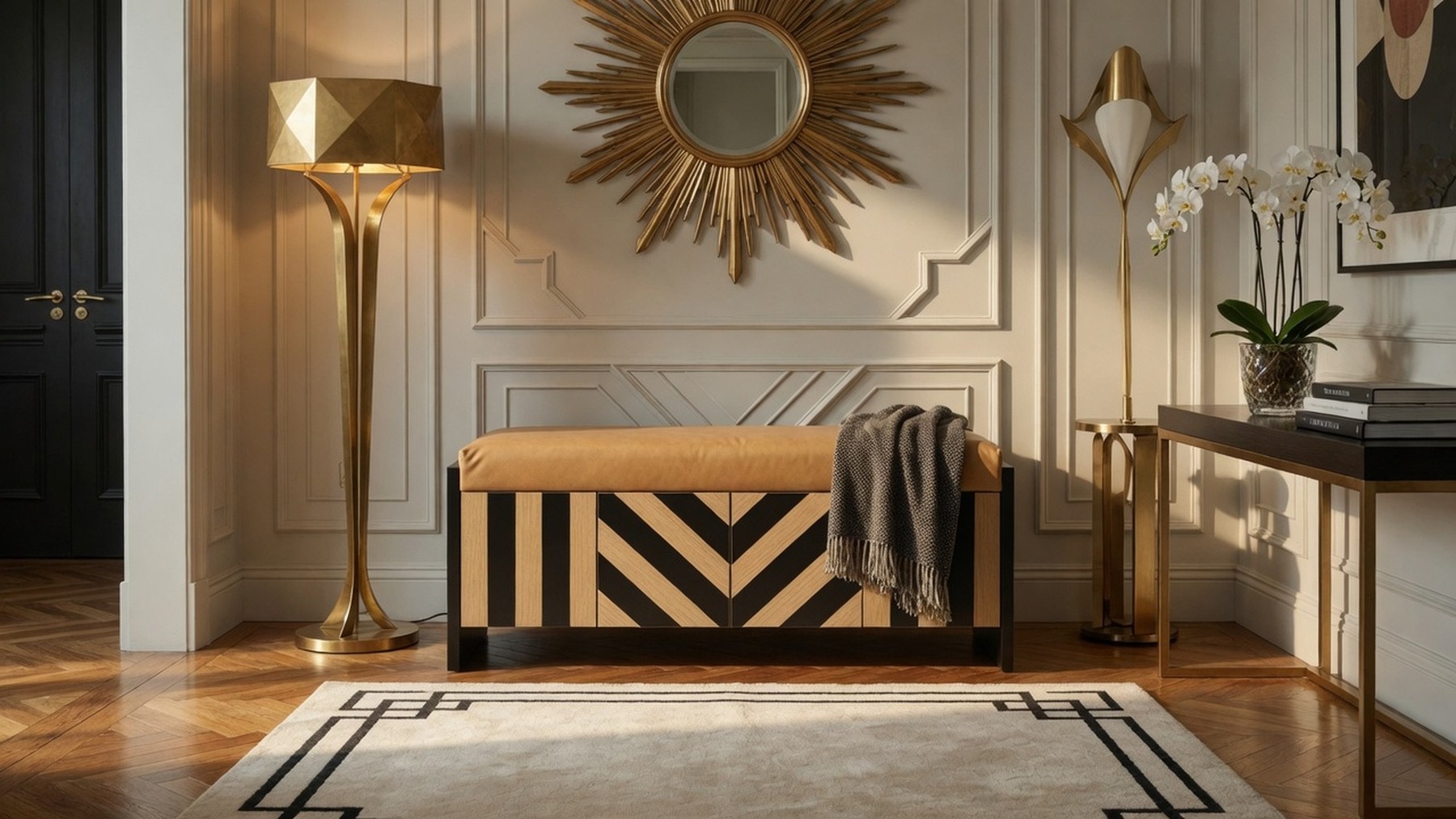 Bespoke
Essentials Design
We are refining this public page so it matches the new Essentials Design website experience. For now, product access and trade enquiries remain available.
About Essentials Design
Essentials Design is a Mumbai-based family furniture company founded by architect and designer Lata Valia. The company creates bespoke and project-ready furniture for residences, hospitality spaces, designers, commercial buyers, retailers, and private clients who reach the team through Zayin Home Living.
The house
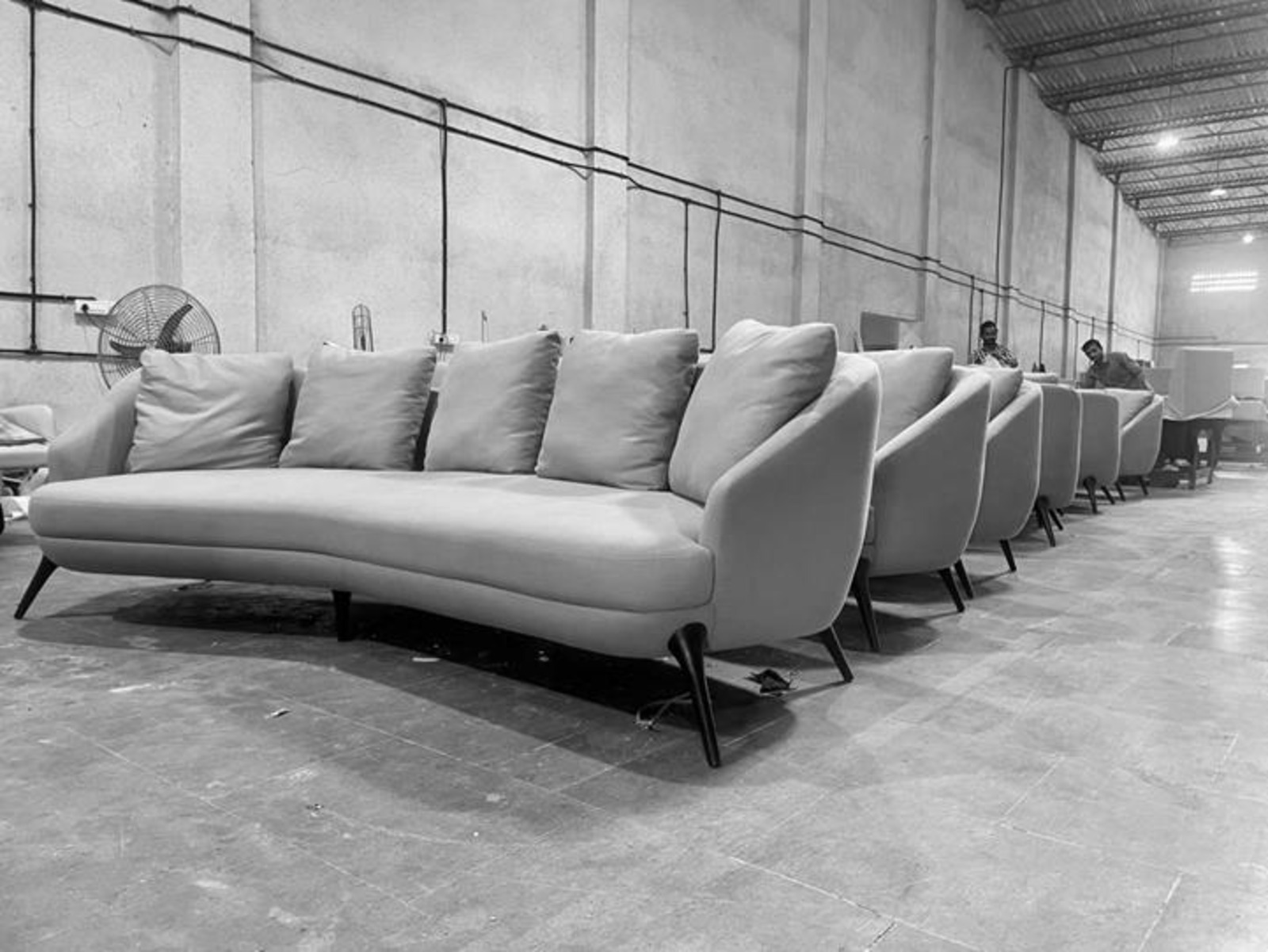
The Essentials story sits between studio thinking and factory discipline. Lata Valia brings an architect's eye to proportion, material and room language, while the manufacturing team converts that intent into repeatable, buildable furniture.
Over time, Essentials has grown from custom furniture and designer-led work into a broader manufacturing platform: bespoke pieces, residential packages, hospitality and commercial furniture, e-commerce supply, retailer requirements, and project execution support.

Craft and capability
Essentials combines skilled craftsmanship, technical detailing, advanced production planning, material selection, and stringent quality control. The work is hands-on: comfort, finish, joinery, upholstery, scale and durability are reviewed as part of the same conversation.
What we do
Proportion, detailing, materials, finishes, comfort, usage and construction logic are refined before production.
Furniture is produced through an advanced 50,000 sq. ft. facility supported by skilled artisans and technical teams.
The team coordinates design intent, production timelines, quality control, dispatch and site requirements.
Essentials supports retailers, e-commerce brands, design houses, commercial buyers and repeat furniture requirements.
The team

Founder / Design Director
An architect from Sir J. J. School of Art, Lata Valia has spent more than three decades in furniture and interiors. Her work gives Essentials its design direction and Zayin its softer, retail-facing expression for private homes and designers.

Director / Execution
Vishesh leads execution discipline, quality standards and project delivery. His focus is on converting design intent into finished furniture with consistent detail, coordination and production reliability.

Director / Production Planning
Aashir focuses on value engineering, production planning and practical innovation, helping the company balance cost efficiency, timelines and quality without diluting the design.
Zayin Home Living
Zayin Home Living is the private-client and showroom-facing brand from the Essentials family. It helps homeowners, private individuals and designers experience Lata Valia's furniture direction through a more editorial, curated route.
Essentials remains the manufacturing and commercial project backbone; Zayin is the softer front door for homes, sourcing conversations and design-led retail enquiries.
Project range
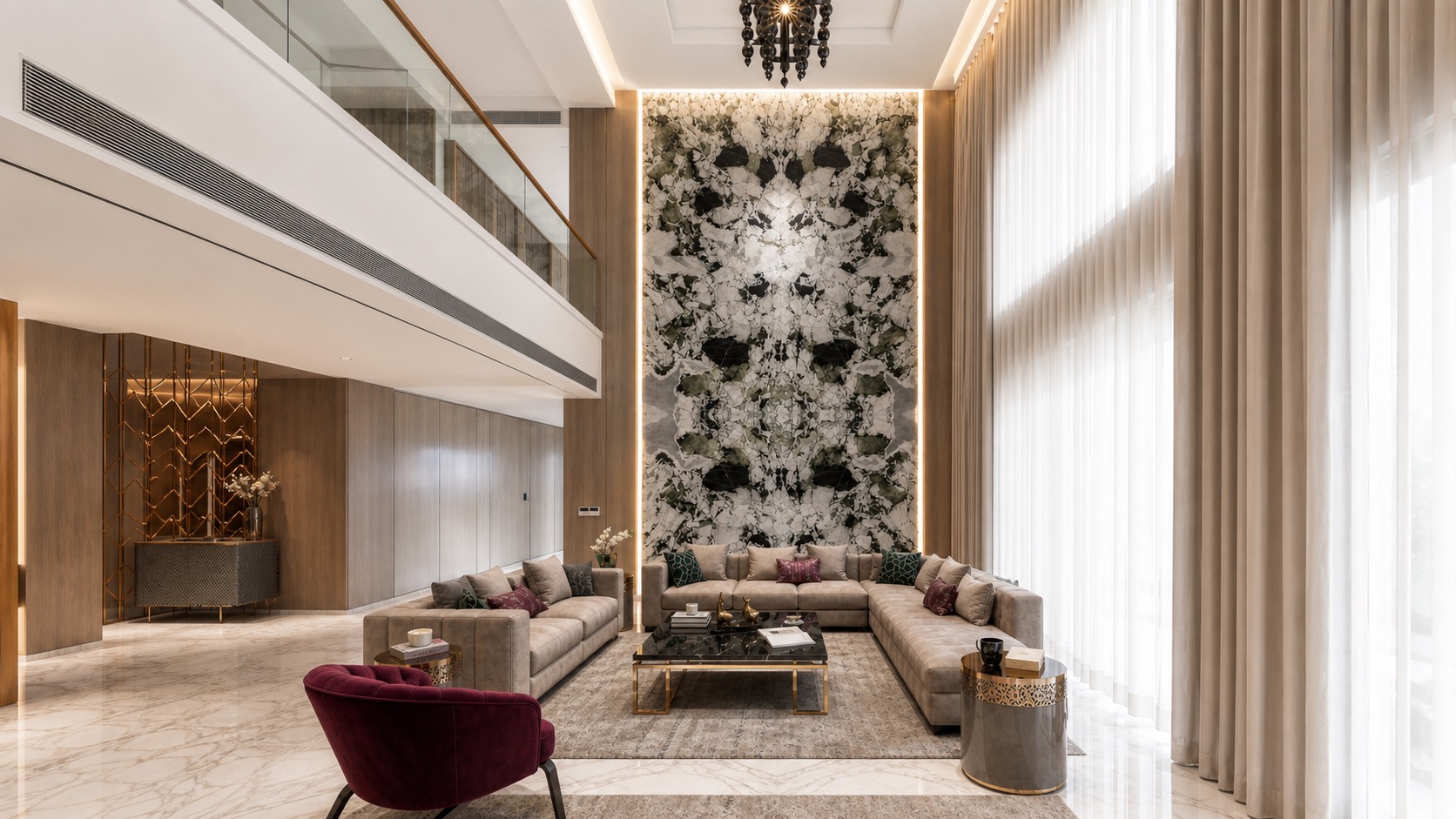
Custom furniture packages for apartments, villas, holiday homes and room-wise interior requirements.
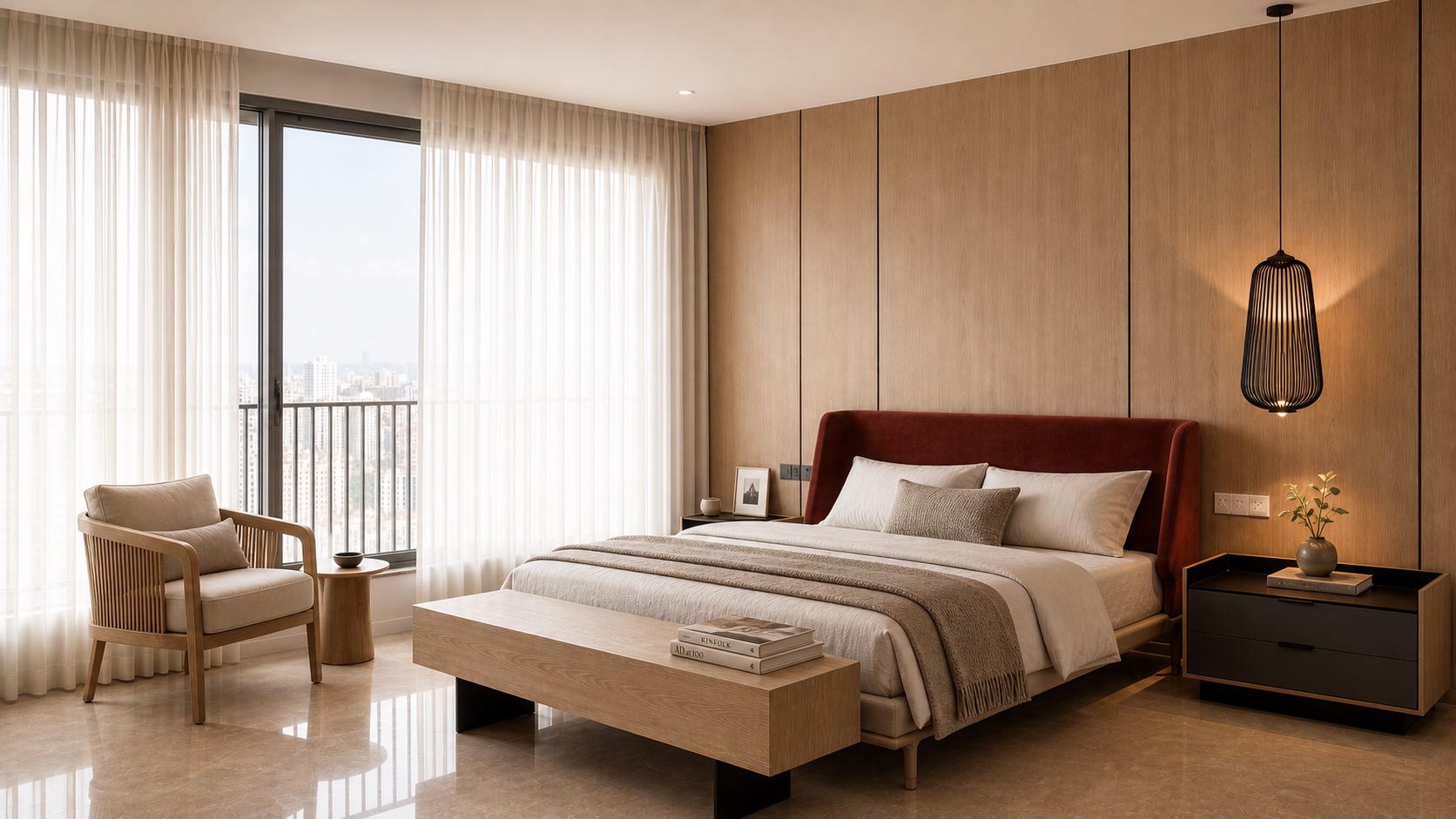
Furniture for hotels, restaurants, workspaces, institutions and high-use interiors where durability matters.
Manufacturing support for repeat supply, commercial buyers, e-commerce brands and design houses.
How work moves
Room, use, quantity, references, budget direction and timeline are mapped.
Proportions, finishes, construction and material details are resolved.
Production is planned, tracked and checked through each major stage.
Final quality review, dispatch coordination and project support complete the scope.
Reference basis
This draft uses the Essentials and Zayin profile PDFs supplied locally, public Zayin/press information, and existing catalogue website context. Final addresses, phone numbers and any press quotes can be tightened before publishing.
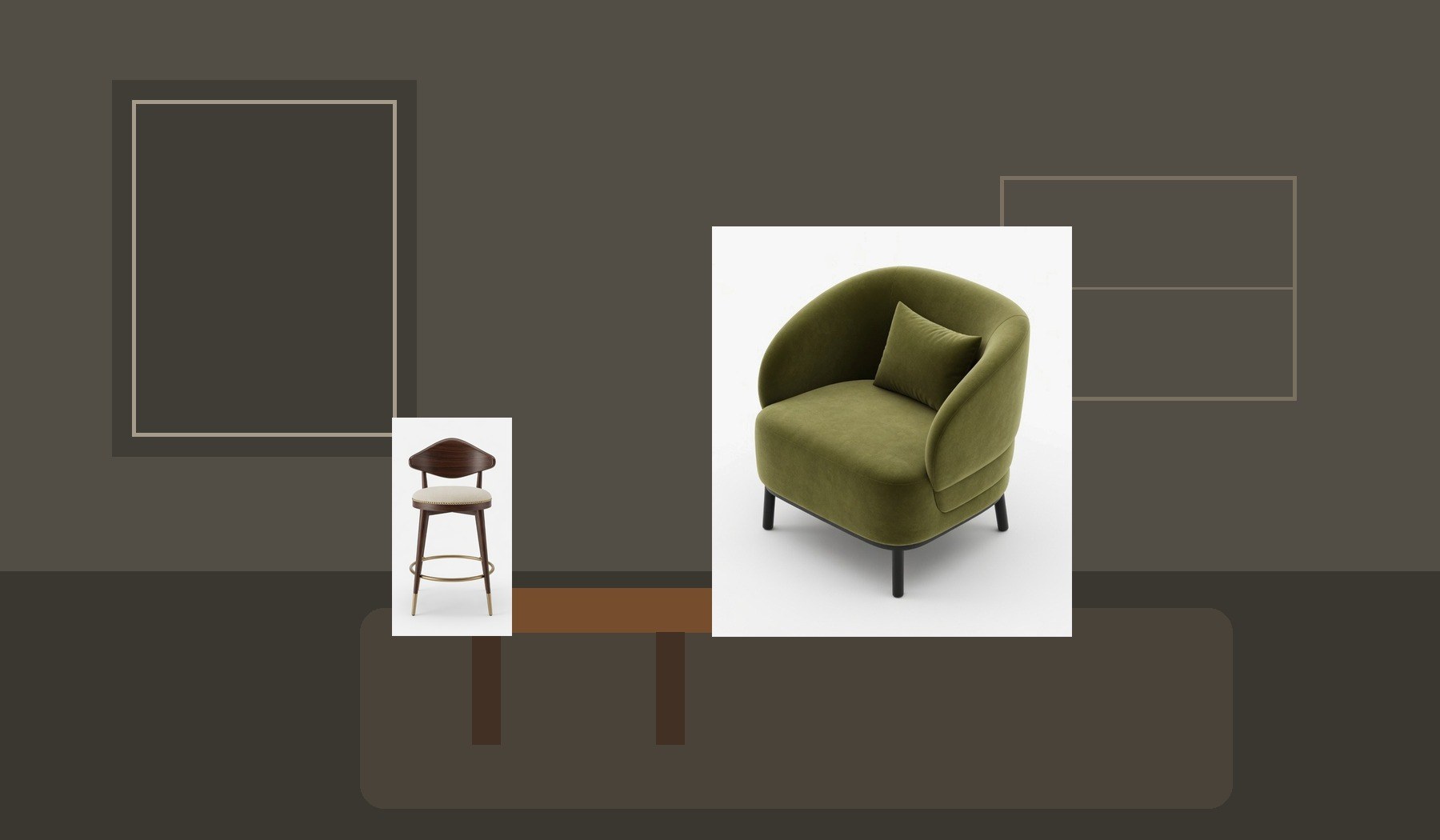
Private homes
Sofas, dining chairs, beds, consoles and statement pieces can be discussed around the room they belong to, with scale, finish and comfort reviewed before the order moves ahead.
Designers and architects
Designers can use Zayin as a showroom-led furniture resource: a way to discuss room stories, materials, upholstery, finishes and bespoke edits while still being supported by Essentials Design manufacturing.
Led by Lata Valia
Zayin should feel like entering a design conversation, not a retail counter. The page should invite private clients, homeowners and designers to visit, discuss, touch materials and understand how furniture can be shaped for their interiors.
Essentials Design remains the manufacturing backbone. Zayin is the curated front room: bespoke, personal, editorial and rooted in Lata Valia's residential design sensibility.
Plan a Zayin visit
Living rooms
 Bedrooms
Dining stories
Statement pieces
Bedrooms
Dining stories
Statement pieces
Projects
Essentials has worked across bespoke residential interiors, fast-track commercial projects, hospitality settings, institutional spaces, and furniture design-build scopes for designers and project teams.
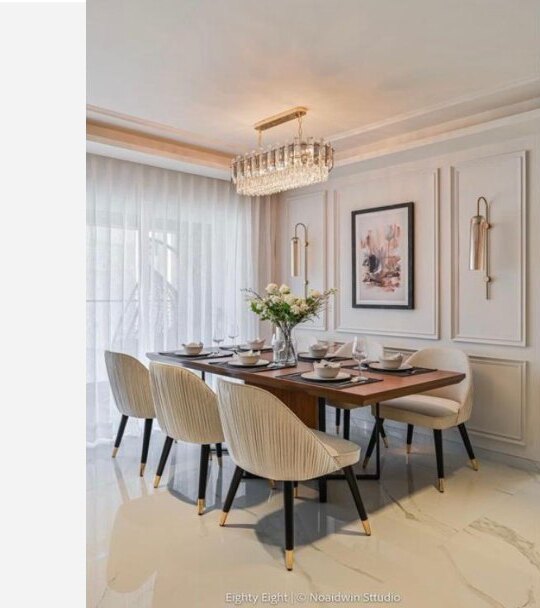
Residential / design build
Furniture design and build scope developed for a refined urban interior.
Residential
Project furniture planned around comfort, proportion, and a complete interior story.
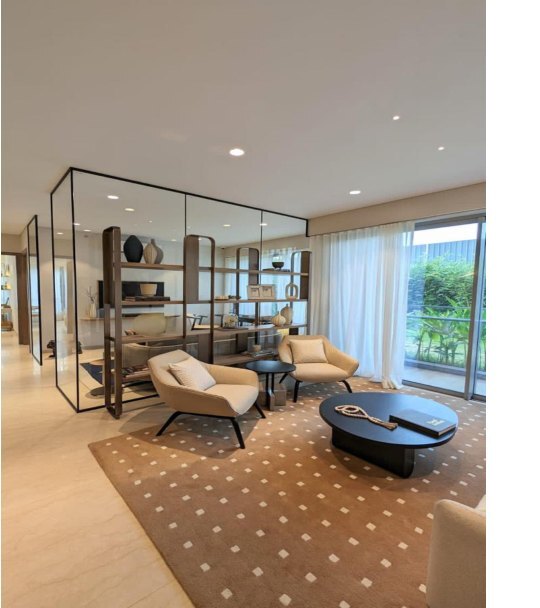
Residential
Custom furniture execution for a layered residential environment.
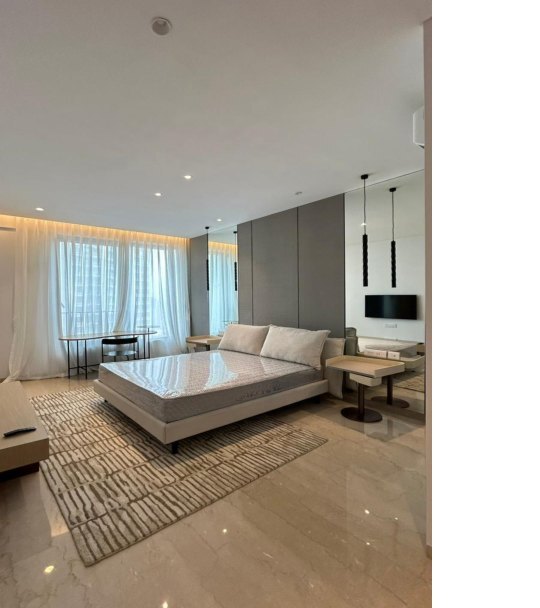
Residential
Bespoke furniture developed for contemporary residential use.
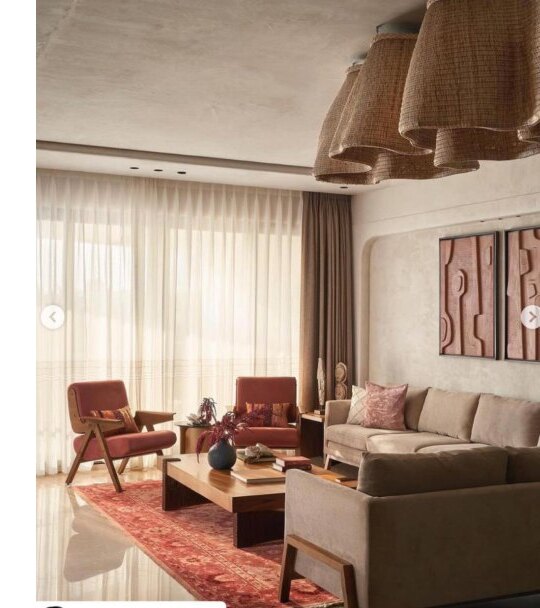
Private residence
Furniture design and build work for a private Mumbai residence.
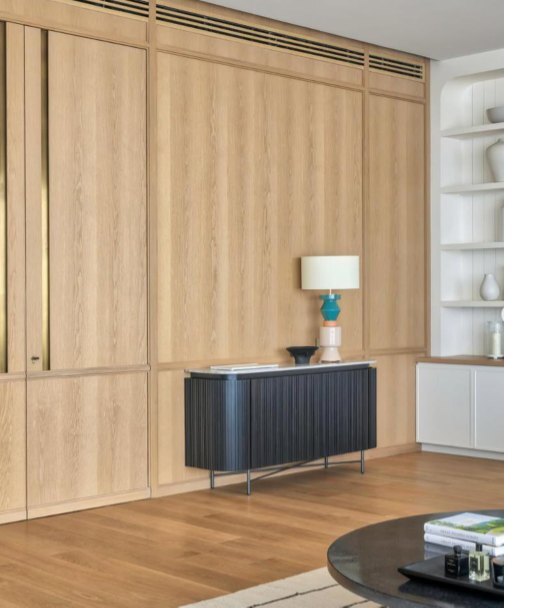
Residential
Custom furniture execution for a complete residential interior.
Project scope
Custom furniture packages for apartments, villas, holiday homes, and room-wise residential requirements.
Furniture for hotels, restaurants, workspaces, guest areas, and high-use interiors where durability matters.
Product-led manufacturing and furniture supply for brands, retailers, and commercial procurement teams.
Contact Us
For project furniture, trade supply, showroom visits, Zayin enquiries, or catalogue access, share a few details and the right team member can respond.
Factory
Factory address to be confirmed before publishing.
Best for manufacturing, trade supply, project furniture, and commercial purchase discussions.Showroom
Showroom address and visiting details to be confirmed before publishing.
Best for private clients, designers, furniture sourcing, material conversations, and showroom visits.Contact
Contact numbers and official email addresses to be confirmed before publishing.
We can separate trade, showroom, and project enquiry contacts once the final details are approved.Trade buyers
Share product type, approximate quantity, location, timeline, and whether you need catalogue products, custom furniture, or both.
Designers
Share drawings, moodboards, furniture references, finish direction, or a simple written brief to begin a project conversation.
Private clients
For home furniture, showroom visits, and design-led sourcing, the Zayin route gives a softer retail experience.
Privacy & Cookies
Essentials Design uses a small amount of essential data to keep catalogue access secure, support trade enquiries, and help our team respond to furniture requirements professionally.
We use essential cookies or similar browser storage to keep users signed in, remember consent, protect catalogue access, and support account security. These are needed for the website to function properly.
When a trade user requests catalogue access or sends an enquiry, we may collect details such as name, company, phone number, email, city, role, intended catalogue use, and the enquiry message.
Product shortlists, PDF requests, selected products, and access status may be used to provide catalogue access, prepare references, manage approvals, and improve reliability for B2B conversations.
Catalogue imagery is provided for review and selection. We may use interface-level protections to reduce casual downloading, copying, or misuse of product images and brand material.
We do not sell user data. Information may be shared with the Essentials Design team and service providers who help operate the website, catalogue, hosting, email, security, or customer support. We retain data as needed for account access, enquiries, business records, legal obligations, and dispute protection.
For privacy or catalogue access questions, contact Essentials Design through the Contact Us page or write to aashirv@gmail.com. This page may be updated as the website, catalogue, and account workflows evolve.
Catalogue access